Programmes that run in cycles
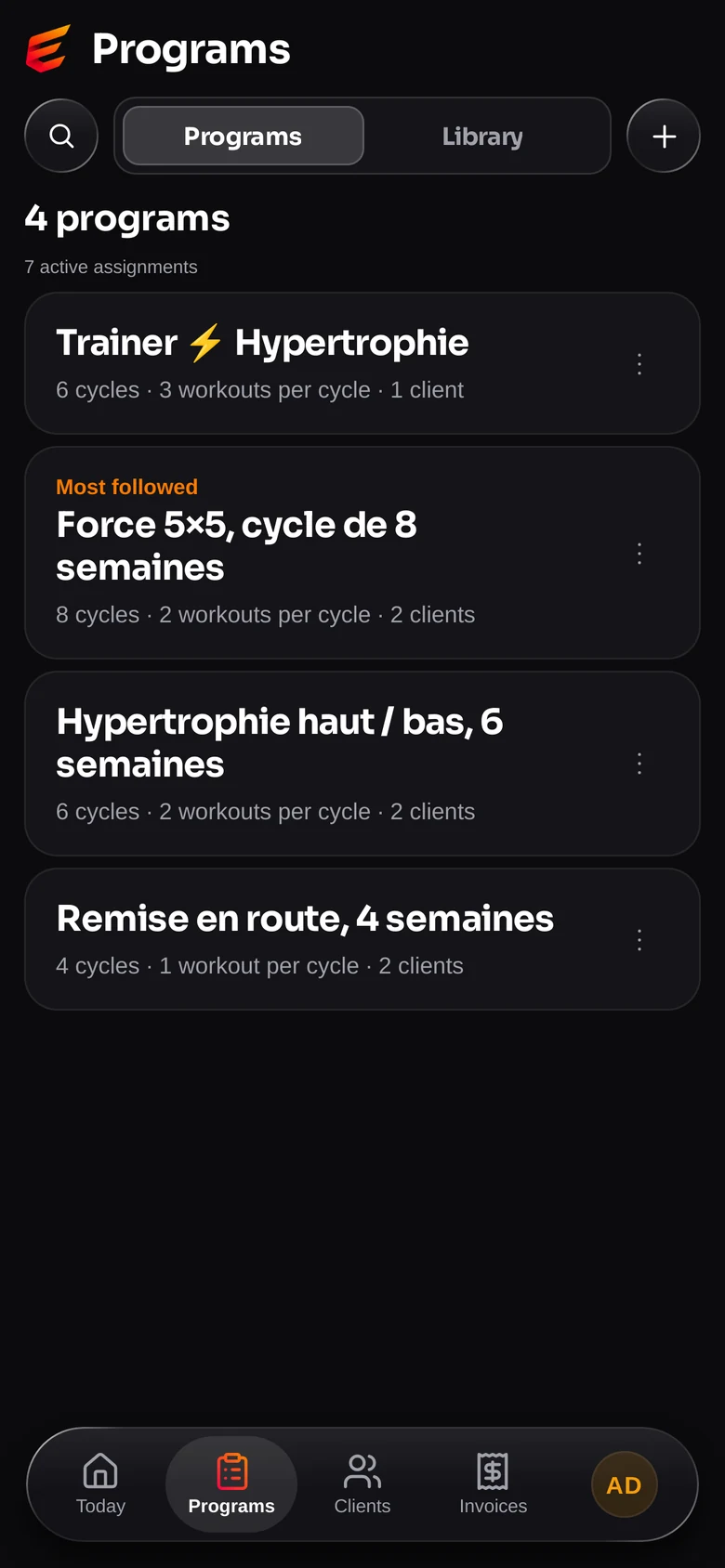
Build a cycle once and repeat it: weeks, days, strength blocks, progression from one week to the next. A finished cycle starts again with the loads already updated, nothing to retype.

Built by a coach, for coaches
A coach juggles one tool for programmes, another for appointments, a third for invoices, and none of them talk to each other. Elevo does all four, and each part knows what the others are doing.
A coach spends more time managing than coaching: rebuilding a programme every cycle, recalculating loads by hand, chasing appointments, and redoing the invoices at the end of the month. Elevo was written to remove exactly that work.
Features
Every feature comes from something that came up on the gym floor, not from a specification list.
Build a cycle once and repeat it: weeks, days, strength blocks, progression from one week to the next. A finished cycle starts again with the loads already updated, nothing to retype.
Write “82%” instead of a weight. Elevo knows each client's max on each exercise and fills the load in for them, in real kilos rounded to the plates they have. The max goes up and the whole cycle follows.
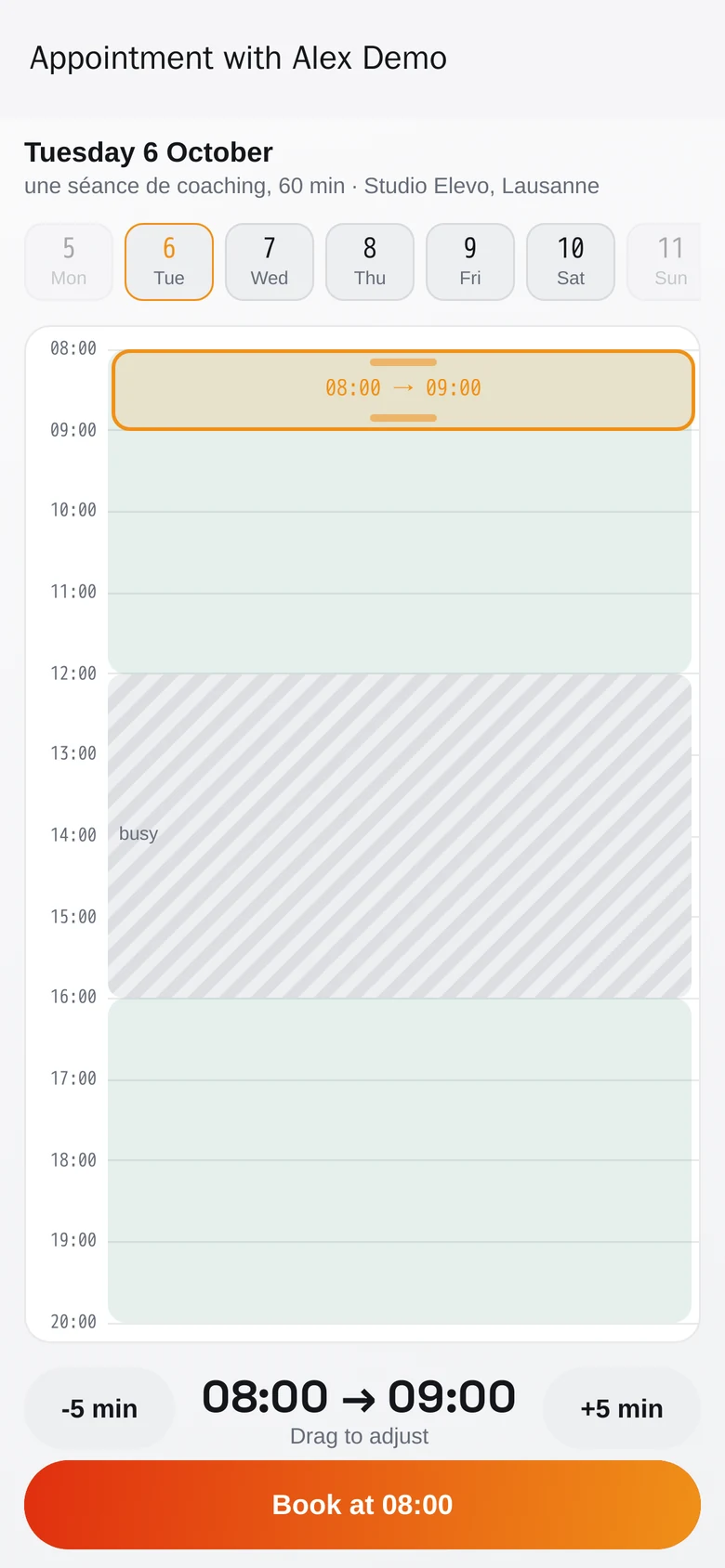
Your availability, a public booking page your client opens without an account, reminders, and sync with your Google calendar. One booking subscription less to pay for.
Workouts done, loads, records, bodyweight, measurements, documents and private notes. An alert flags the client who hasn't been in for too long, before you notice it too late.
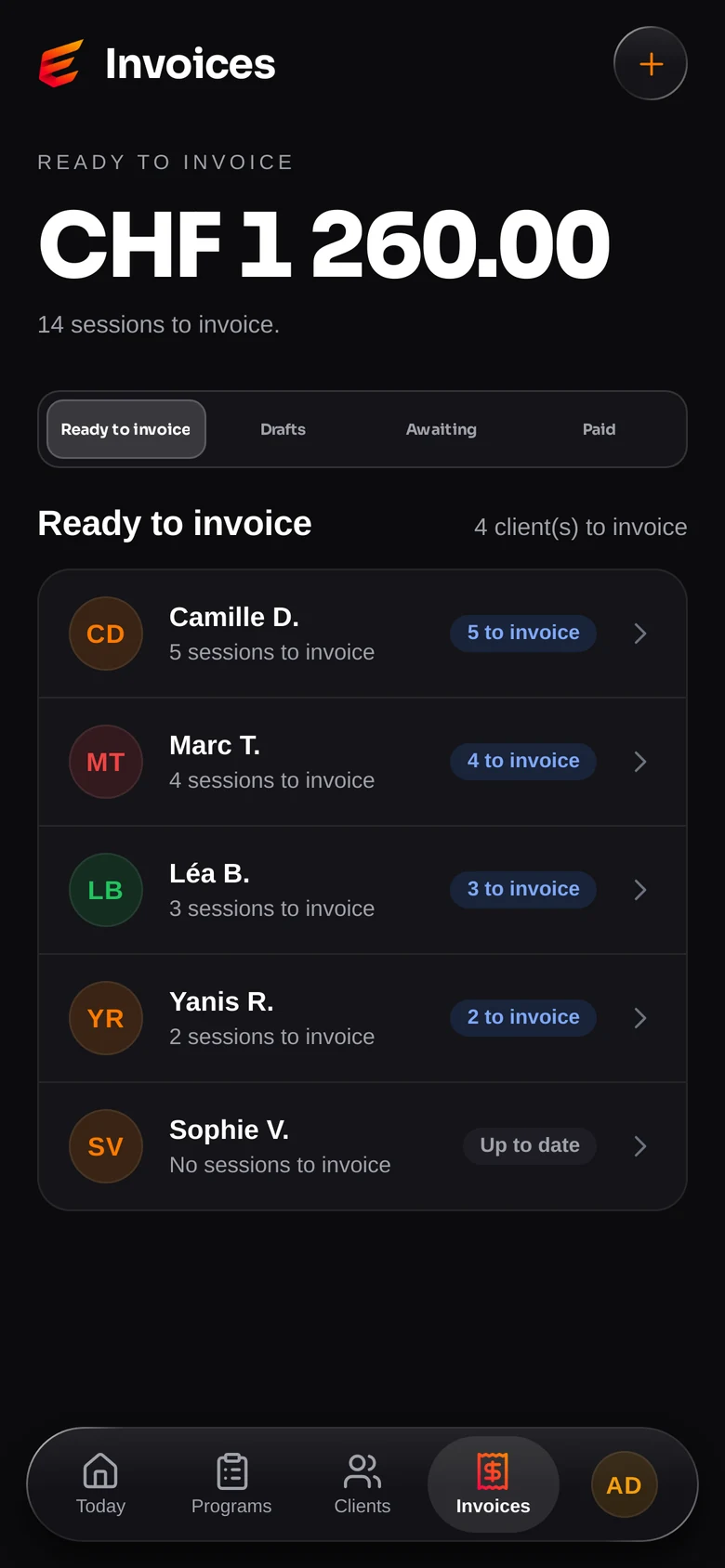
Sessions delivered become the lines of the invoice, with the Swiss QR code and its reference. Connect your accounting and incoming payments tick the invoices off by themselves: you only chase the ones that deserve it.
Set the calorie and macro targets, and see what was actually eaten: more than 7,700 foods, barcode scanning, recipes. The food diary and the workouts sit in the same client file, so you see the week they ate less and lifted less, side by side.
In pictures
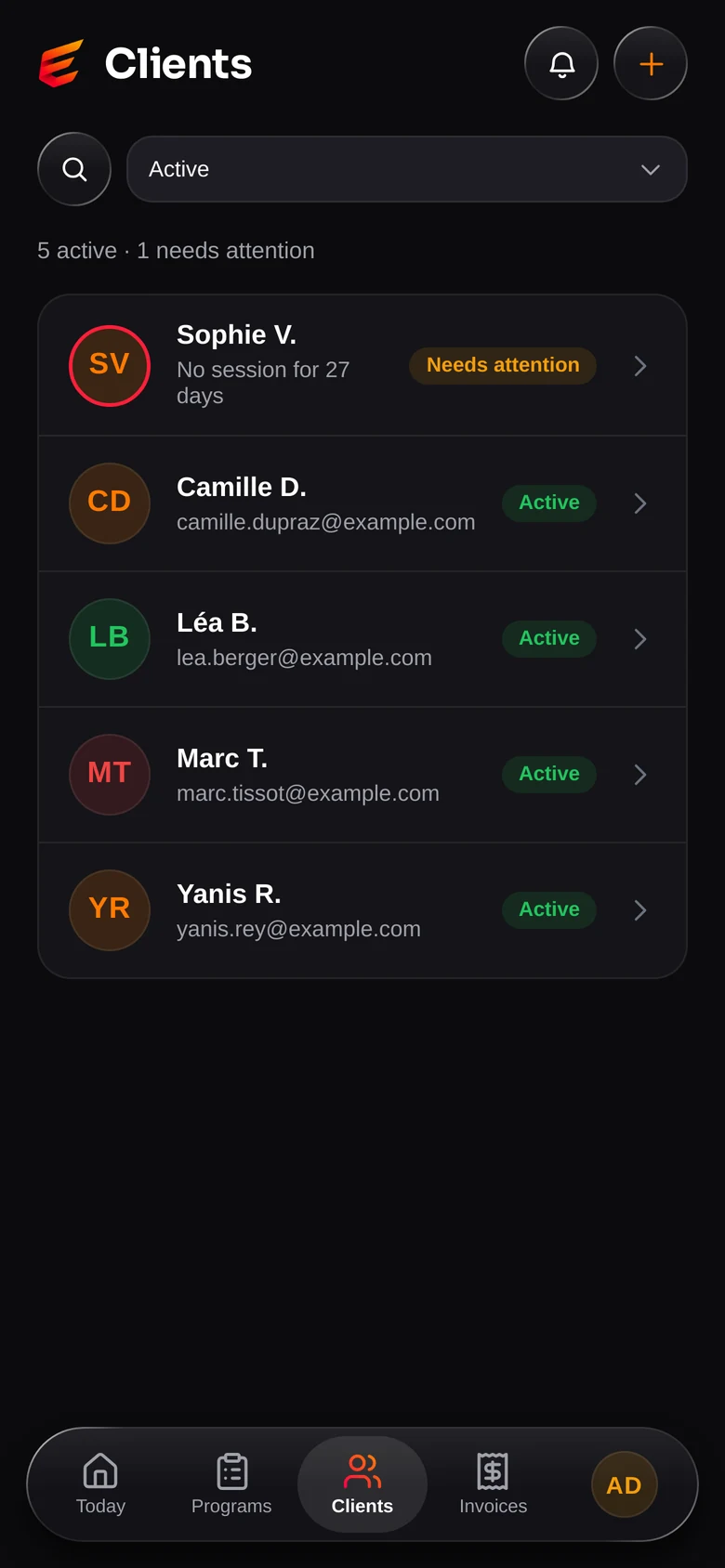
Invoicing, programmes in cycles and booking. These are screenshots of the app, not mockups.
At the desk
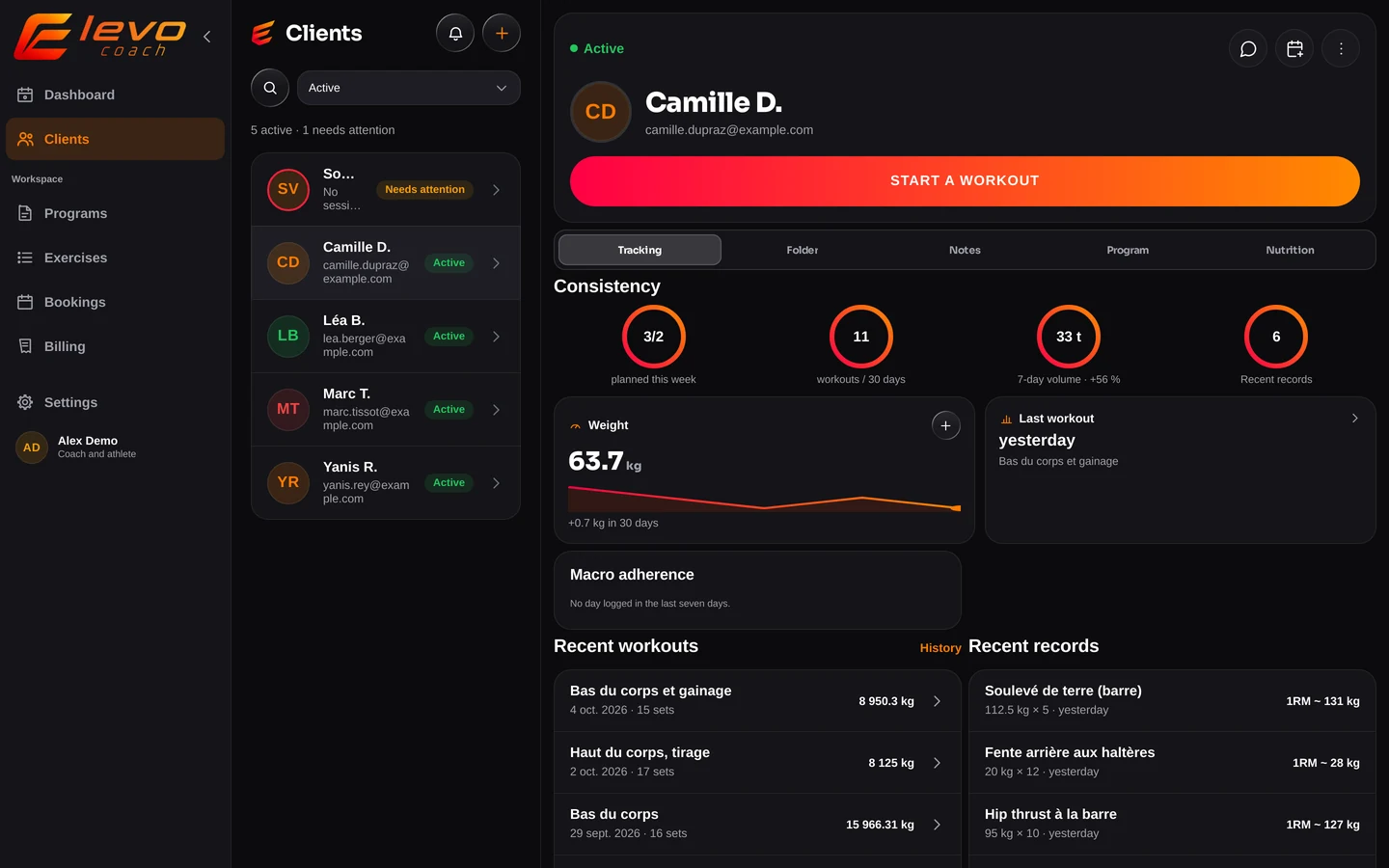
Building a programme is easier with a keyboard. Elevo Coach opens in your browser with nothing to install, and follows you onto the phone at the gym.
How it works
We create your coach account. You sign in from your browser, nothing to install.
An email goes out with a link. Your client creates their account and ends up connected to you, with no code to copy.
You assign, they train, you see what was done. The invoices follow.
Questions
For coaching appointments, yes: you set your availability, your client books from a public page without creating an account, and the appointment lands in your Google calendar. Because the appointment lives in Elevo, the session it leads to then appears on the invoice, which a booking tool on its own cannot do.
Elevo produces the invoice with the Swiss QR code and its reference. If you connect your accounting (AbaNinja today, others later), payments received by your bank tick off the matching invoices by themselves. Without that connection the app works the same, you tick the invoices off by hand.
Not to get started: the coach workspace opens in your browser, on a computer or a tablet. An Android app exists for working on the gym floor, we'll install it on request.
No. The app your clients install is free for them.
A Hevy import brings workouts, exercises and loads across. For programmes kept elsewhere, write to us and we'll look at it case by case.
Write to us and we'll talk it through. We'd rather show you the tool before talking about money.
Tell us in two lines how many clients you train and how you work today. We'll open an account.
Request access